Picture your Google Ads dashboard:
Conversions are up, the cost per lead is down, and the chart looks healthy.
Now open the sales calendar:
- Empty discovery slots,
- no-show demos,
- and follow-ups with people who cannot buy.
You do not need more cheap leads to fix that mismatch.
You need to see which clicks become qualified buyers, what those customers cost, and whether the money they bring in covers acquisition and delivery.
This guide walks through 5 practical fixes:
- Trace keywords to customers
- Return Salesforce outcomes to Google Ads
- Test Microsoft Ads
- Clean up account settings
- Build landing pages that attract the right buyers
Start with the measurement gaps, then change where you spend.
1. Find keywords that create customers—not just leads
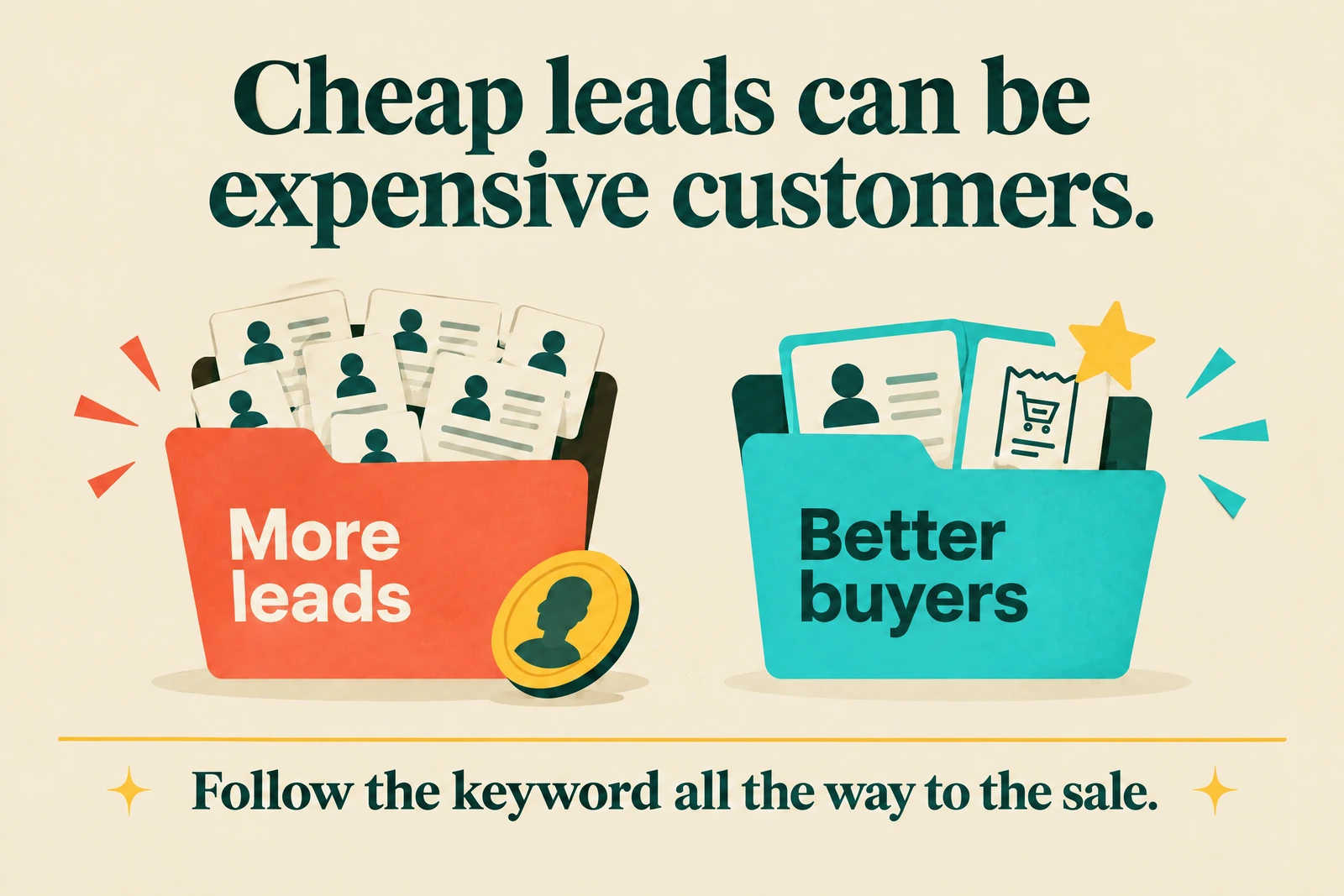
Follow the click beyond the form
A form submission tells you someone responded.
It does not tell you whether they fit your offer, reached an opportunity, or paid an invoice.
Build a view that follows each paid lead through Salesforce: Lead, qualified lead, Opportunity, and Closed Won.
Agree with sales on what qualifies a lead before comparing campaigns; a valid email alone is not a buying signal.
For example, a commercial maintenance business might require a serviceable postcode, a commercial property, and a real maintenance need.
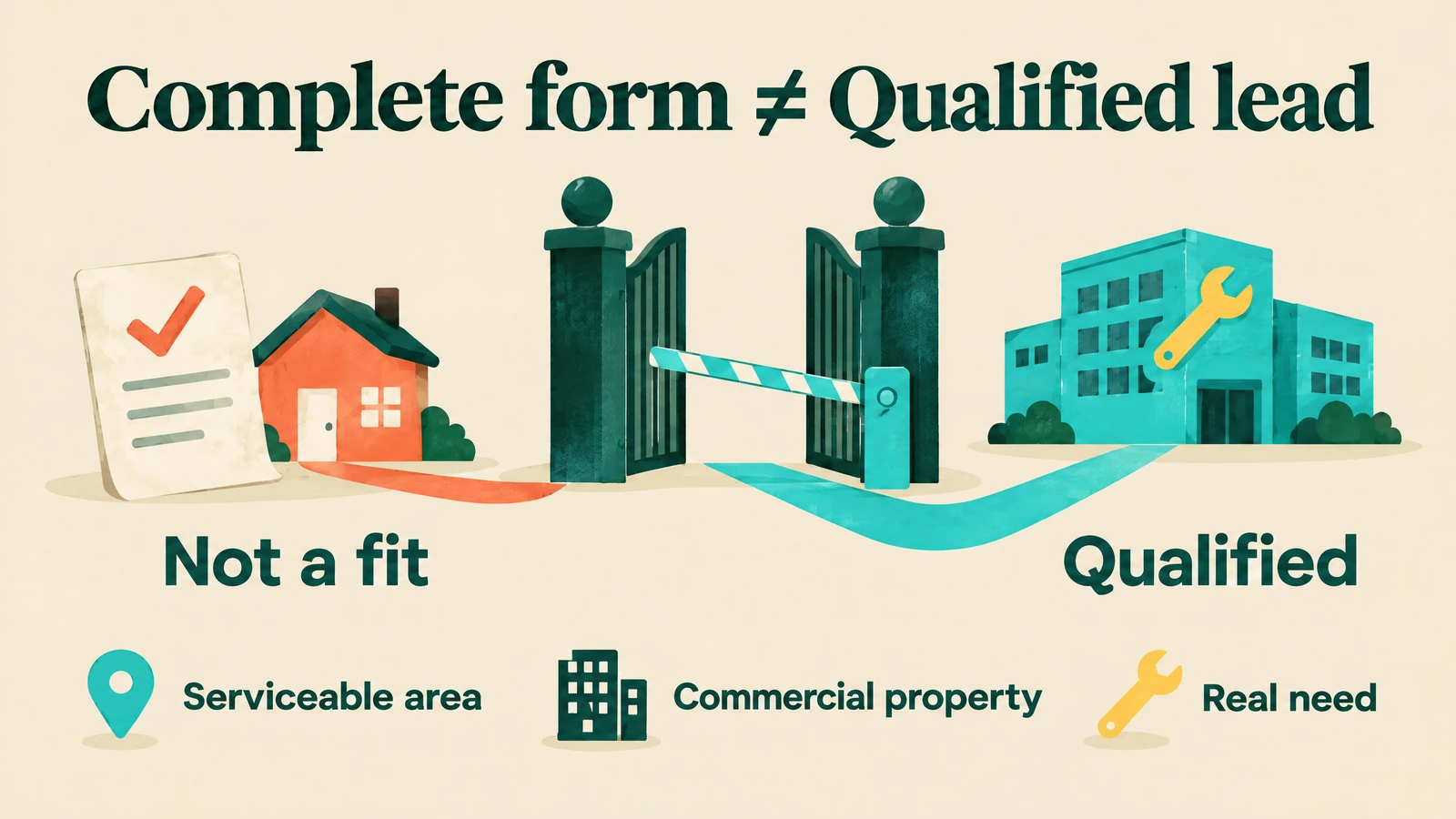
A homeowner looking for a one-off repair would not qualify, even if the form looks complete.
Capture identifiers before they disappear
Google's auto-tagging can add a Google Click Identifier, or GCLID, to an ad click's URL where supported.
It supports click reconciliation and offline conversion tracking, but it is not a human-readable keyword label. 1
At the first landing, capture the GCLID alongside your UTMs and available Google campaign, ad-group, ad, keyword or target IDs.

Also retain keyword text, match type, landing page, and the click timestamp, with consent-aware storage and retention rules.
ValueTrack supplies click-time metadata such as {keyword} and {matchtype} through URL parameters.
Use a tracking template with {lpurl} where appropriate, and expect some values to be empty when Google cannot insert them. 2
Pass those fields into the form and Salesforce before redirects or cross-domain steps can lose them.
Document whether first touch, latest touch, or another rule controls each field; do not let a returning visit silently rewrite the original acquisition source.
Keep keywords and search terms separate
A keyword is your targeting term; a search term is what someone entered.

Google's Search terms report can show which keyword matched a query, but the two belong in separate columns. 3
Suppose your keyword is “commercial cleaning service” and the reported query is “office cleaning contract near me.”
Store the first as keyword text and the second as the search term; never label {keyword} as the user's query.
Only populate search terms from an approved Google report or API export.
Privacy thresholds omit some low-volume queries, while Search terms insights can group them into themes, so neither view is a complete raw-query log. 3
Join spend and Salesforce outcomes using stable account, campaign, ad-group, and keyword IDs where available.
Use GCLID for click-level reconciliation, and check missing IDs, duplicate leads, mapping failures, and mismatches between spend and captured clicks.
Hypothetical worked example: the cheaper lead loses
Assume two keyword groups each spend $6,000 in mature cohorts, with each customer producing $5,000 in realized revenue and $3,000 in variable delivery costs.
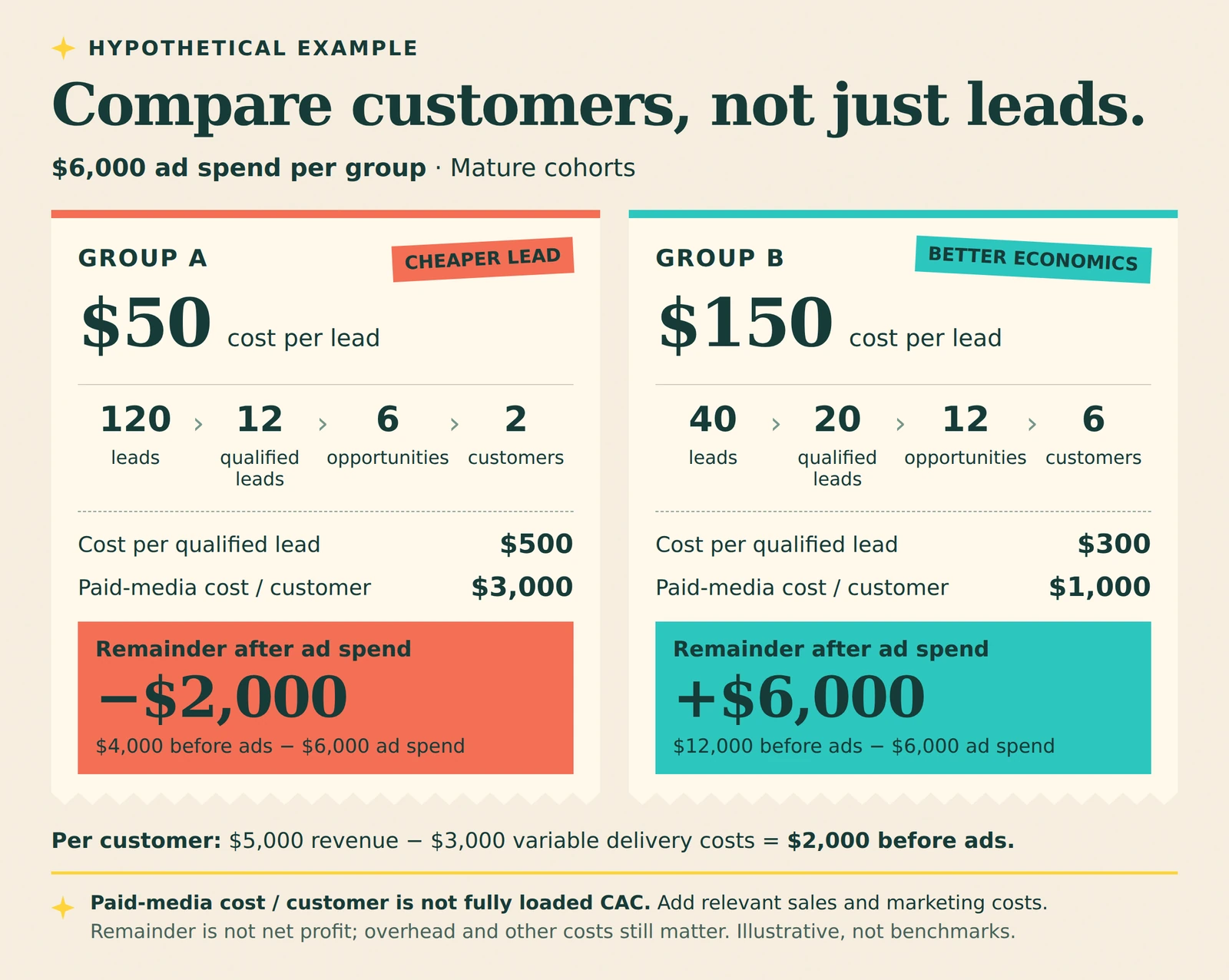
These are illustrative numbers, not AdCaffeine client results or industry benchmarks.
Group A:
120 leads → 12 qualified leads → six opportunities → two customers.
- Cost per lead: $50
- Cost per qualified lead: $500
- Paid-media cost per customer: $3,000
Group B:
40 leads → 20 qualified leads → 12 opportunities → six customers.
- Cost per lead: $150
- Cost per qualified lead: $300
- Paid-media cost per customer: $1,000
Those customer costs include ad spend only, not fully loaded customer acquisition cost, or CAC.
For a business-level CAC calculation, add the relevant sales and marketing costs using a consistent allocation method.
Each customer contributes $2,000 before advertising: $5,000 minus $3,000.
Group A therefore produces $4,000 before ads and loses $2,000 after ad spend; Group B produces $12,000 before ads and retains $6,000 after ad spend.
That remainder is not net profit: fixed overhead and other costs still matter.
But a CPL-only decision would favor Group A, even though Group B creates more customers at better acquisition economics.
Wait for the cohort to mature
Group results by click date or lead-created date, then follow outcomes over time.
Use your own historical sales-lag distribution to decide when a cohort is mature and how much evidence you need before acting.
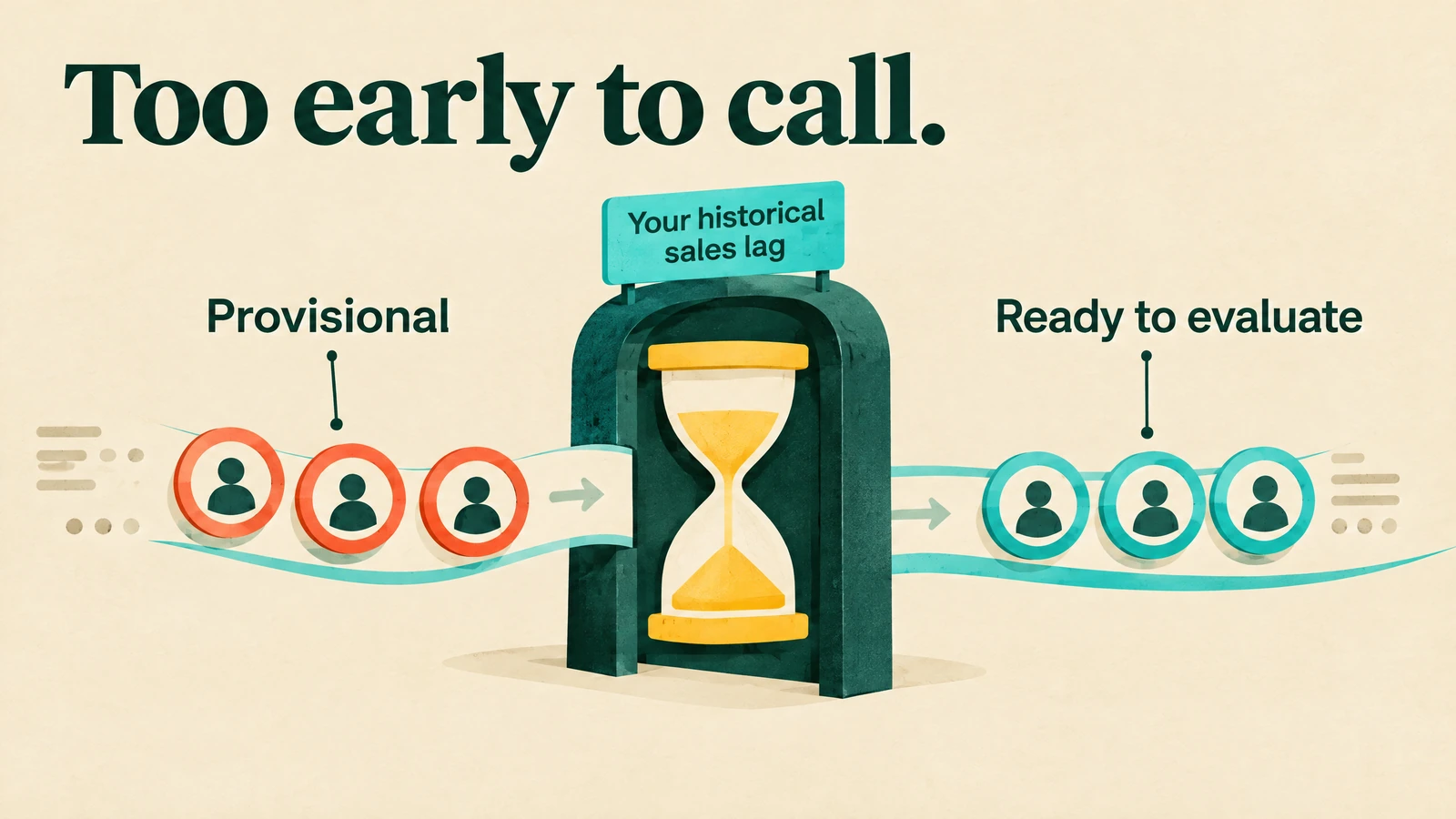
Mark recent cohorts provisional, and compare costs per qualified lead, opportunity, and customer alongside win rate, payback, and contribution margin.
Scale only when your approved thresholds hold; more budget can change the mix and worsen marginal results.
Performance Max has a separate limitation: it spans multiple inventory types and keywordless targeting, including final-URL expansion.
Use campaign economics and available query insights rather than pretending every PMax customer has a conventional keyword attribution. 4
One more distinction matters: a retained GCLID helps connect records, but attribution is not causal proof.
Identity matching, attribution windows, and models affect credit; credible treatment/control experiments answer the separate question of incremental impact. 20
2. Connect Salesforce to Google Ads and feed back real outcomes
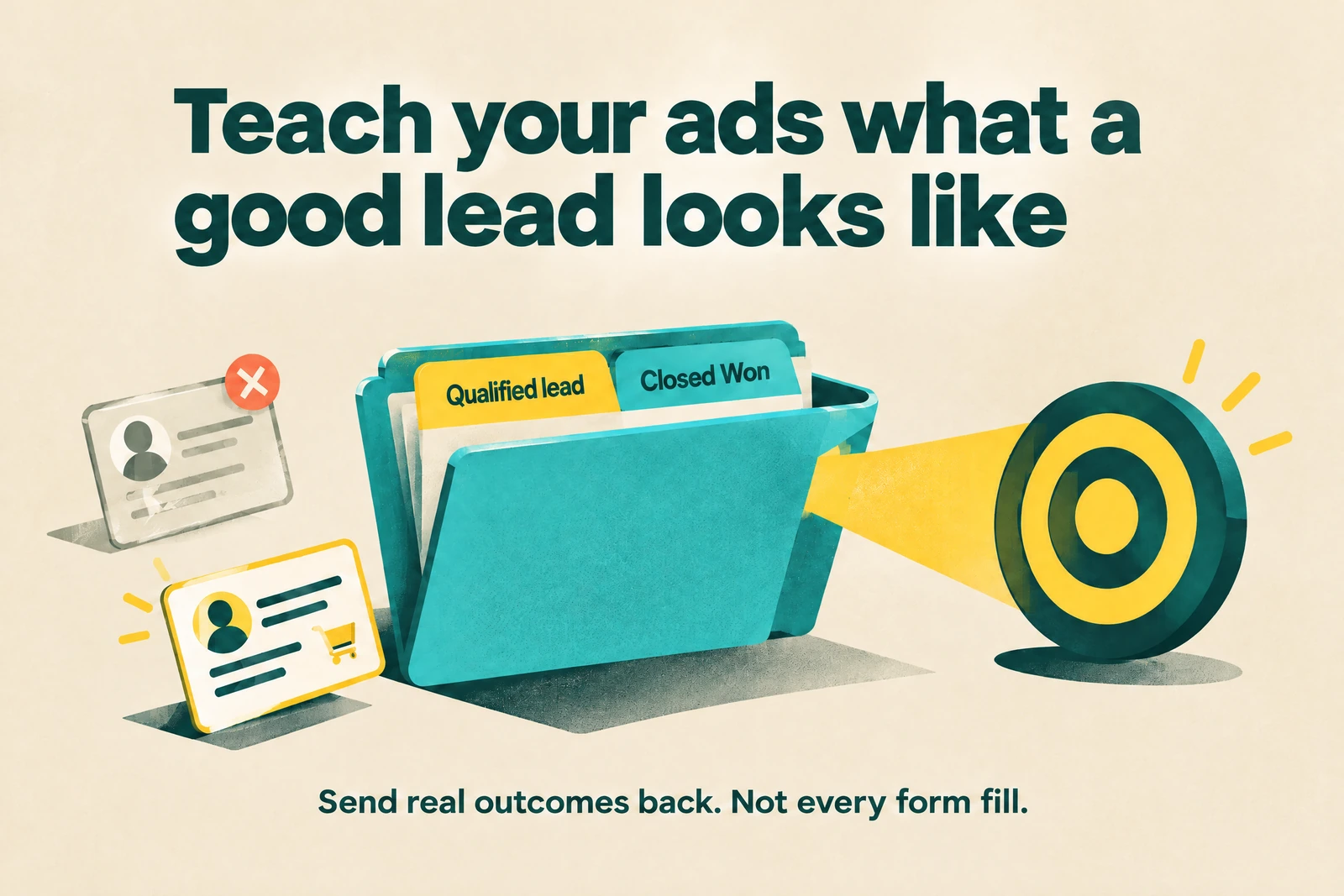
Use the current connection, not an old tutorial
Google ended support for its legacy Salesforce integration on May 31, 2025.
Use Tools > Data Manager > Connected products for the current connection, mappings, event conditions, schedules, and import history. 6
Do not assume an old “daily Salesforce import” is still running correctly.
Check the connection and schedule in your account, especially if nobody has reviewed them since the migration.

Google recommends enhanced conversions for leads as an upgrade to offline imports, using hashed first-party information such as email or phone to improve matching.
Retain GCLID where available and follow the current setup template for the identifier combination your workflow supports. 7
Give Salesforce a durable field blueprint
Start with a small, documented attribution schema.
These are suggested field names, not a requirement to rename your existing Salesforce fields:
- Click identifiers:
google_gclid, campaign ID, ad-group ID, ad ID, keyword or target ID, keyword text, and match type. - Source labels:
utm_source,utm_medium,utm_campaign,utm_content, andutm_term, with clear naming and precedence rules. - Event context: click time, lead-created time, landing URL, original Lead ID, and the relevant consent status.
- Business outcomes: qualification status and time, Opportunity ID, stage-change time, Closed Won date, and agreed value fields with currency.
Use mapped custom fields to preserve acquisition information through Lead conversion, and confirm how your organization carries it into Contact and Opportunity reporting.
Salesforce supports Lead field mapping and campaign-member relationships through conversion, but validate your edition, permissions, mappings, and campaign-influence setup. 5
For multiple visits, use a separate touch or event object linked to the resulting records.
Preserve each touch instead of replacing first-touch fields whenever someone submits another form.

Prove the path with a test submission
Before changing bidding, run a permitted end-to-end test and label the record so it cannot pollute production optimization.

Check the actual route, including redirects, mobile forms, embedded forms, and cross-domain booking pages.
Confirm that the landing fields reach the Salesforce Lead unchanged.
Convert the test Lead and verify the resulting Contact, Account, and Opportunity links, attribution fields, and timestamps.
Then test an eligible offline event and inspect Data Manager's imported rows, rejected rows, and diagnostics.
Check missing GCLIDs, normalized user data, time zones, duplicate handling, and whether the event appears under the intended action.
Do not declare success because the form works.
The full chain has to work:
- Click
- Submission
- CRM record
- Meaningful stage
- Import
- Reporting
Choose the outcome Google should pursue
Google distinguishes Qualified lead, meaning CRM-qualified interest, from Converted lead, meaning a chosen later step, often a sale.
CRM imports default to Converted lead, but you should select the category that matches your actual objective. 9
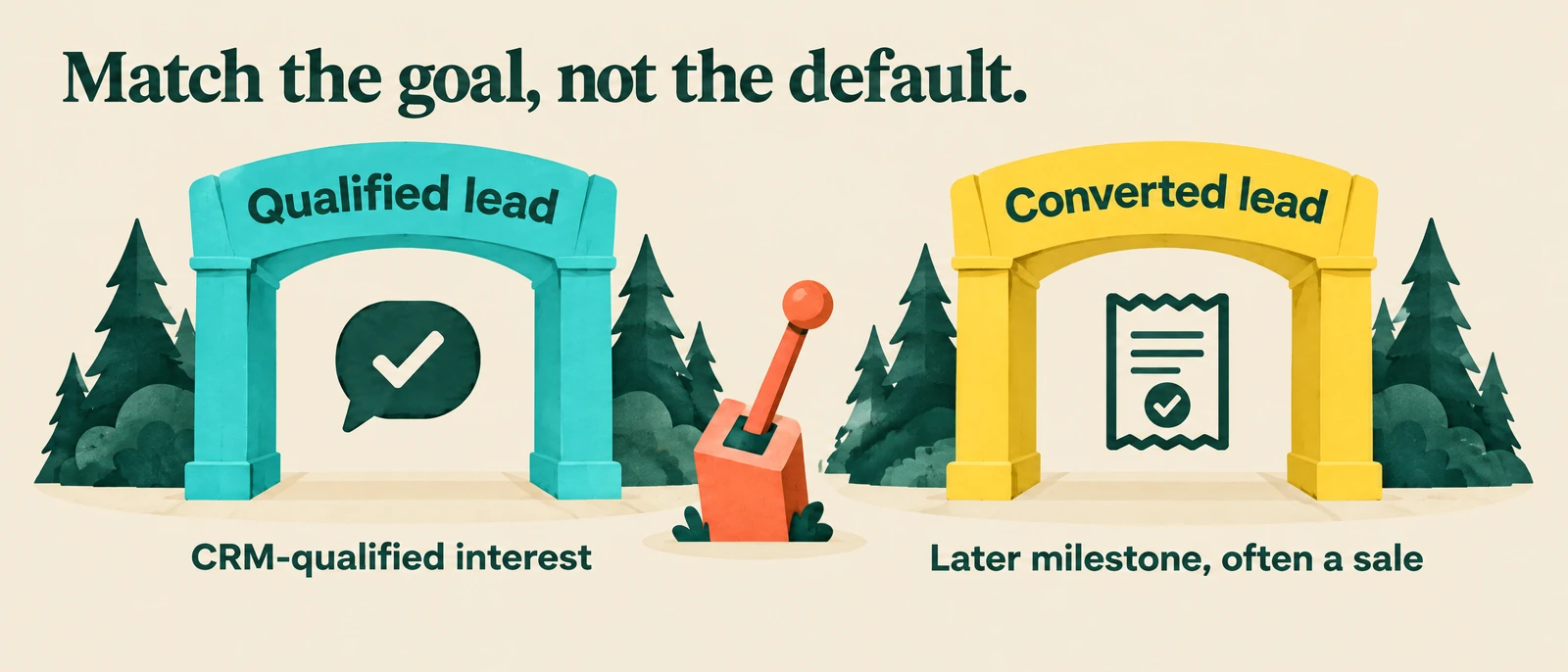
Create explicit actions such as “Salesforce – Qualified lead” and “Salesforce – Converted lead.”
If Closed Won is too delayed or sparse, start with a meaningful, sufficiently frequent qualified stage rather than forcing bidding to learn from occasional sales.
Make the validated optimization action primary and keep raw forms, diagnostics, and experimental stages secondary.
Primary actions can guide bidding; secondary actions are normally observation-only, with an important exception for custom-goal behavior. 10
Review campaign goals too, so you do not unintentionally reward the same lead at several funnel stages.
Import positive milestones, exclude Closed Lost, and use a supported adjustment or retraction workflow when an earlier conversion becomes invalid.
Respect privacy, timing, and duplicates
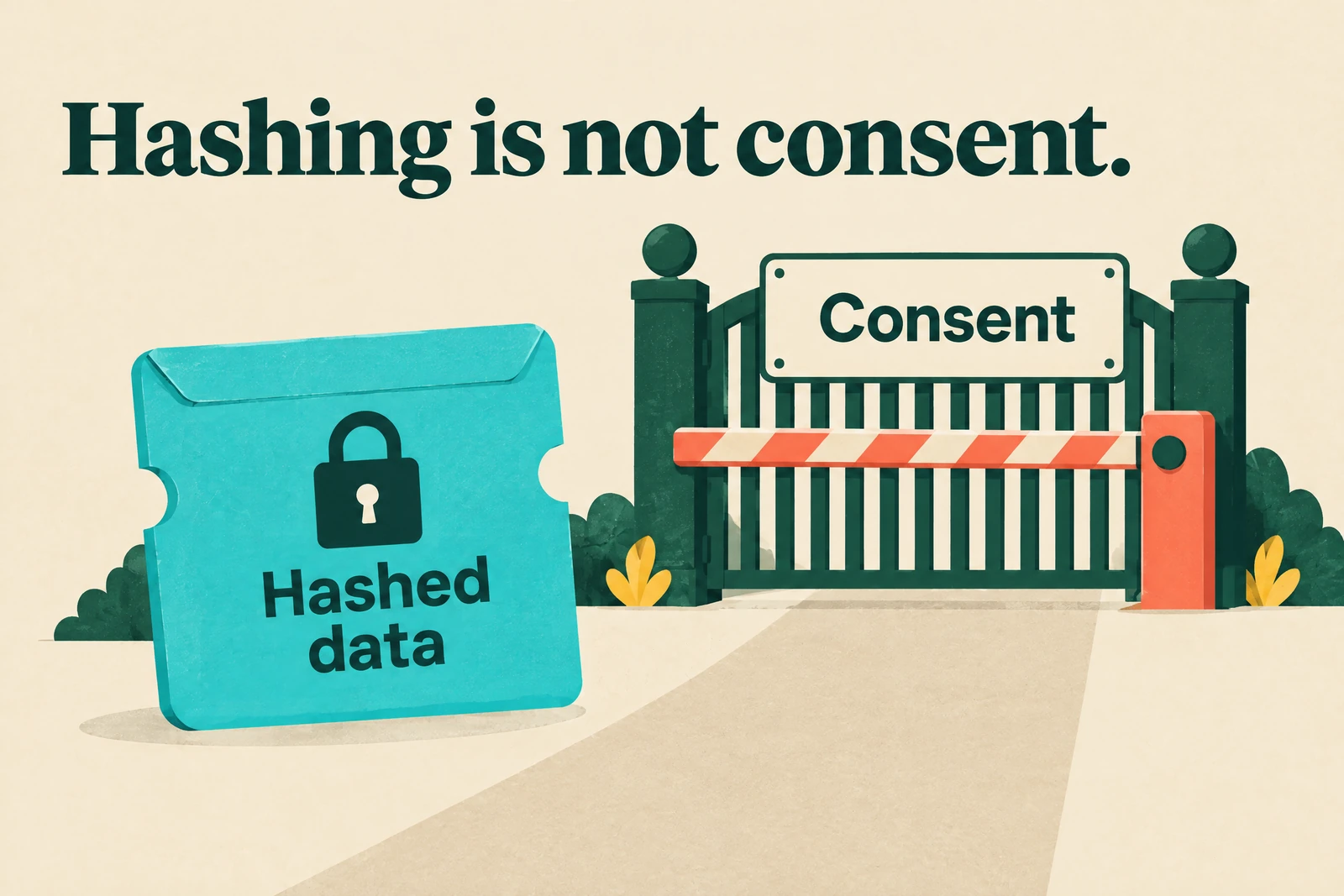
For recurring scheduled uploads, normalize email and phone data and apply SHA-256 hashing before upload; do not put raw contact details in those files.
Hashing does not replace consent, a lawful basis, or Google's customer-data requirements. 8
Send the actual stage-change time with an explicit time zone.
Use a stable Salesforce identifier where supported, and follow the selected integration's deduplication requirements.
The documented Salesforce setup requires a click-to-conversion cycle under 90 days.
Data Manager's first successful run looks back 14 days, and later runs import changes since the previous successful run, so do not assume connecting today backfills all historical sales. 8
New conversion actions need 4–6 hours before upload, and reporting can take 24–48 hours.
Google rejects duplicates using the action name, conversion time, and relevant identifier; monitor errors and matching diagnostics rather than treating an import as proof of complete attribution. 8
3. Test Microsoft Ads against customer economics
Import a pilot, not a blind copy
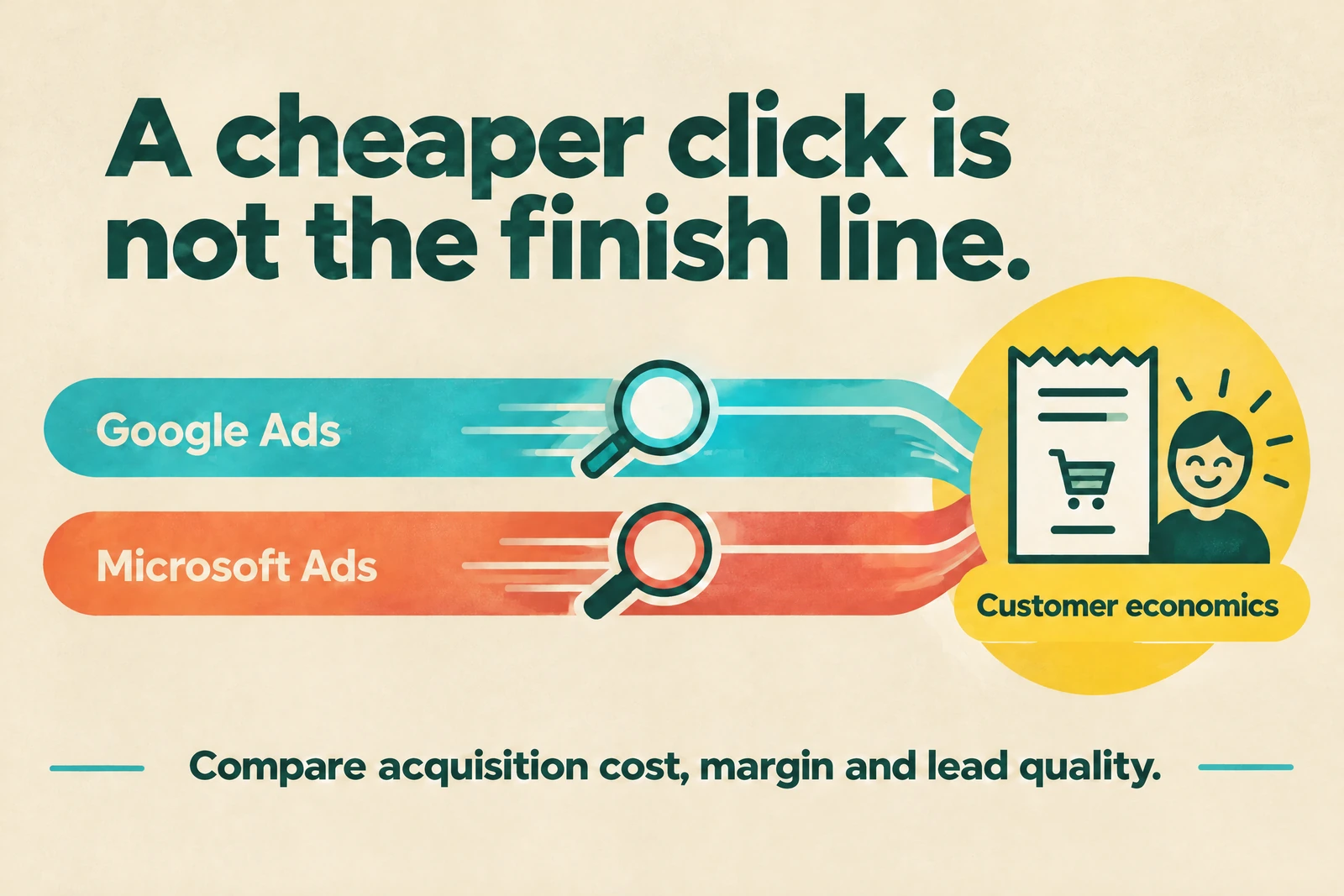
Microsoft Advertising is worth testing when you have a clear offer and a measurable customer funnel.
It is not automatically a cheaper or better version of Google Ads.
If your best buyers research purchases on desktop, inspect your own device mix and CRM outcomes before choosing a pilot.
That is a test hypothesis—not proof Microsoft will deliver the same buyers for less money.
Microsoft lets you choose Google accounts and campaigns, configure import options, and run imports immediately or on a schedule.
Not everything transfers, and Microsoft explicitly tells advertisers to review errors and missing campaign information. 11
Start with a narrow, representative pilot and keep it paused during review.

Choose campaigns whose qualified-lead criteria, landing pages, and mature customer economics you already understand.
Before unpausing the import, audit:
- Budgets and bids
- Locations, languages, devices, and schedules
- Keywords, match types, and negatives
- Landing URLs and UTMs
- Conversion goals
- Audiences, extensions, and approvals
Some features do not map perfectly, so “imported” does not mean equivalent or ready to spend. 12
Treat recurring imports as change-management automation.
Review whether future imports can update budgets, handle deleted entities, or bring in newly supported items; inspect results after every scheduled run. 11
Pass an independent measurement gate
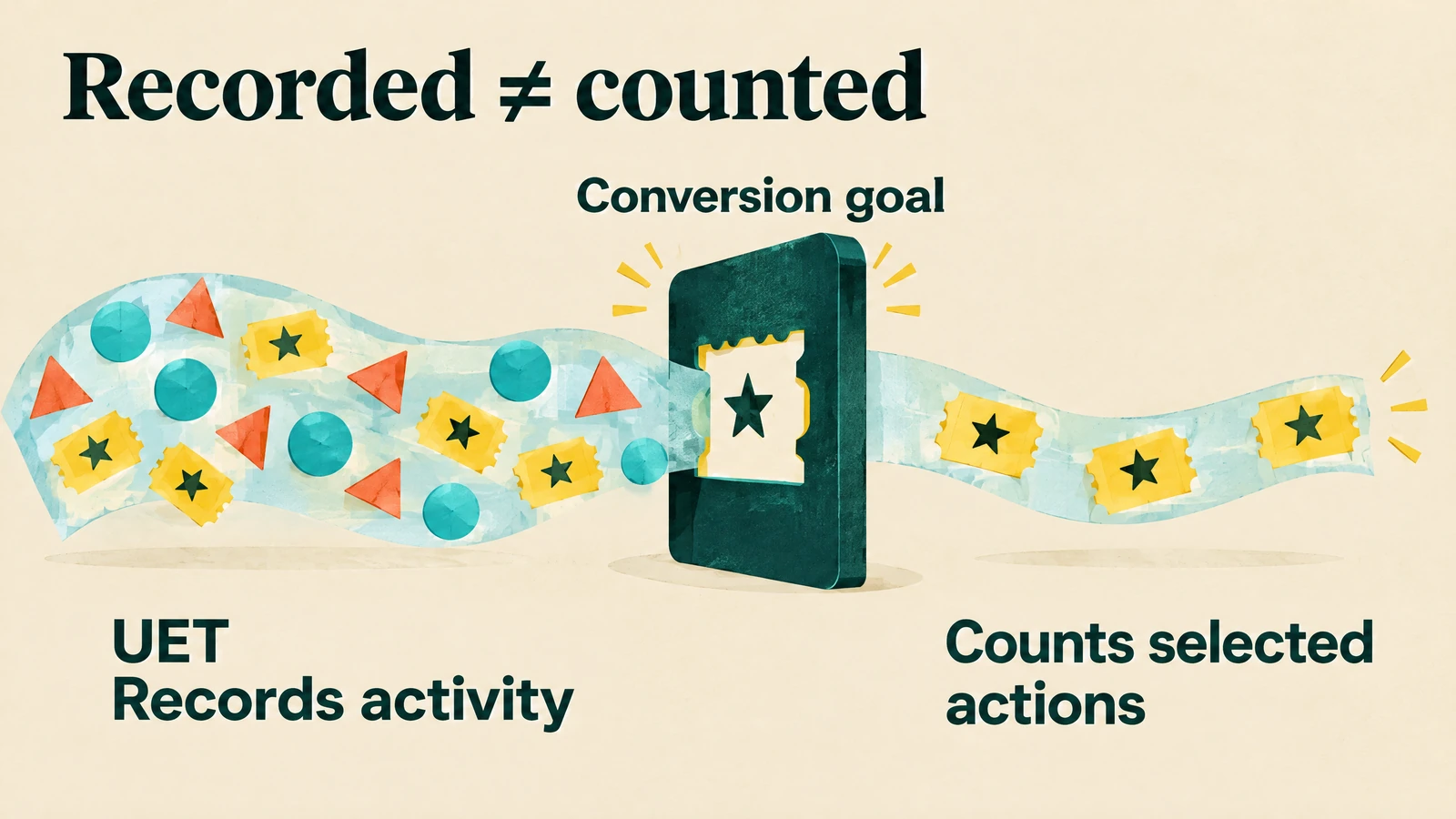
Install and verify Universal Event Tracking, or UET, and configure the goals that define your meaningful website actions.
UET records site activity; the conversion goal determines which activity counts. 13
Capture and retain MSCLKID, Microsoft's click identifier, through the landing page, form, redirects, and Salesforce record.
Do not assume your GCLID capture logic also handles Microsoft traffic.
Microsoft's Conversions API supports CRM and offline events, and Microsoft recommends combining it with UET where possible.
Where both paths could send the same conversion, use a shared eventId for deduplication. 14
For that API workflow, follow Microsoft's guidance on retaining the latest MSCLKID, while keeping historical touches separately for your own analysis.
Submitted events must be within 90 days, and attribution also depends on the conversion-goal window. 14
Run the same test-submission checks you used for Google: consent, identifier retention, CRM mapping, event time, matching, and duplicate prevention.
Do not release meaningful spend until those checks pass.
Define what inventory you are testing
Write down the intended network exposure before launch.
Separate search-intent learning from partner or audience expansion where available, then inspect actual domain and network delivery.

Microsoft documents domain-level search reporting and exclusions, but controls and availability can vary by account and campaign type.
Validate your current options rather than assuming every imported campaign has identical Google controls. 21
If one source produces many low-fit enquiries, examine it separately before scaling the whole campaign.
Cheap traffic from a different inventory mix is not evidence that your core search strategy has improved.
Hypothetical worked example: scaling changes the answer
Assume a mature Microsoft pilot spends $2,400, generates 30 leads and 12 qualified leads, and wins three customers.
Each customer produces $4,000 in realized revenue and $2,800 in variable costs; these are hypothetical test numbers, not forecasts.
The pilot's acquisition costs:
- Cost per lead: $80
- Cost per qualified lead: $200
- Paid-media cost per customer: $800
The three customers contribute $3,600 before ads, leaving $1,200 after the $2,400 ad spend, before fixed overhead and other acquisition costs.
Now assume the next $2,400 of expansion brings 40 leads, eight qualified leads, and one customer.
CPL improves to $60, but paid-media cost per customer rises to $2,400 and contribution after ads falls to negative $1,200.
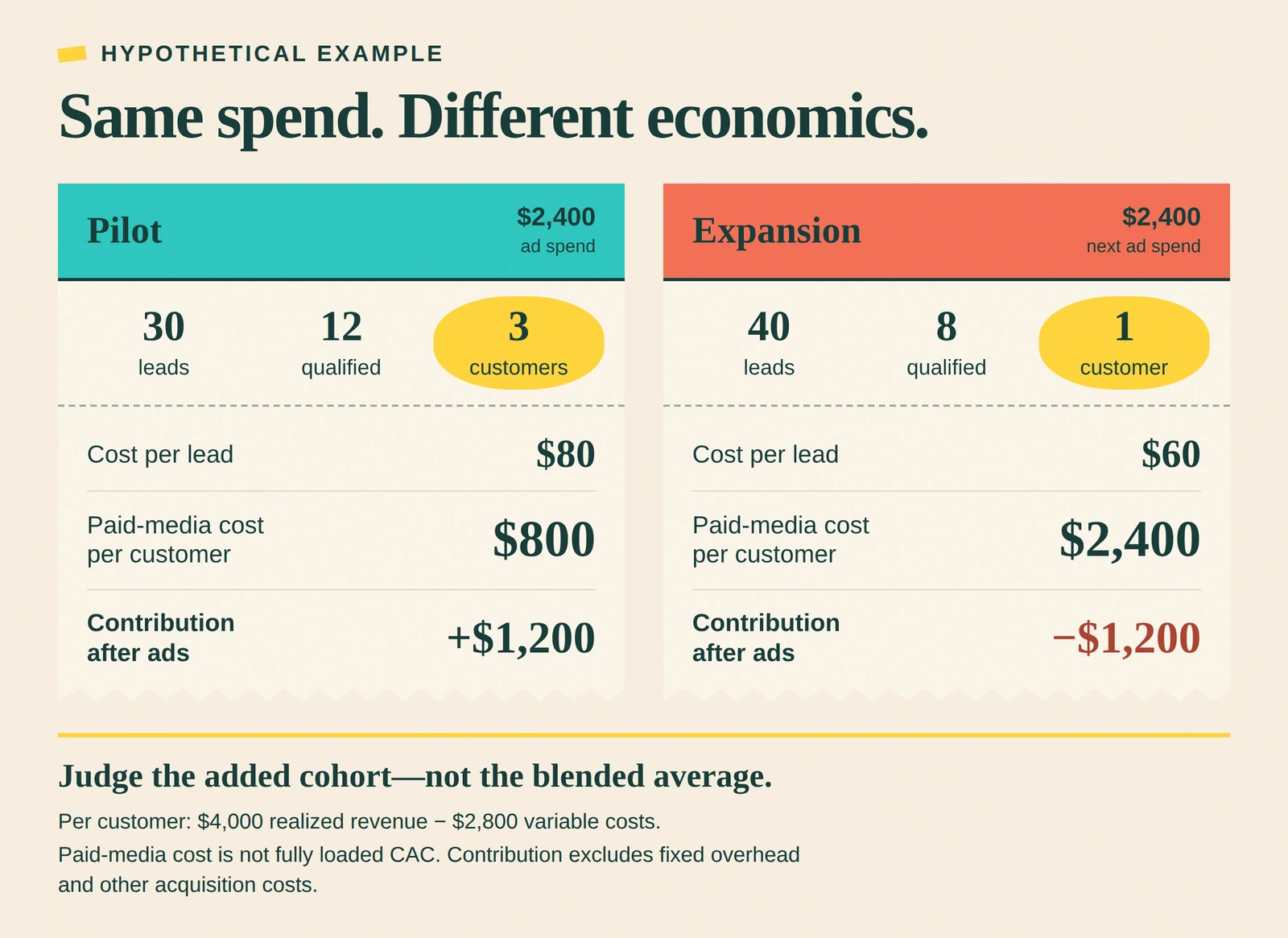
The added spend bought cheaper forms and worse customers.
Evaluate the additional cohort, not just the blended average that the successful pilot still props up.
Set a spending cap, acceptable customer acquisition cost, contribution floor, and minimum mature evidence before launch.
Pause for broken measurement or clearly irrelevant traffic; make economic stop decisions after allowing for your actual sales lag.
Compare both platforms using the same qualification rules, revenue basis, and cost definitions.
Attribution supports that comparison, but a new channel's reported conversions alone do not prove incremental demand. 20
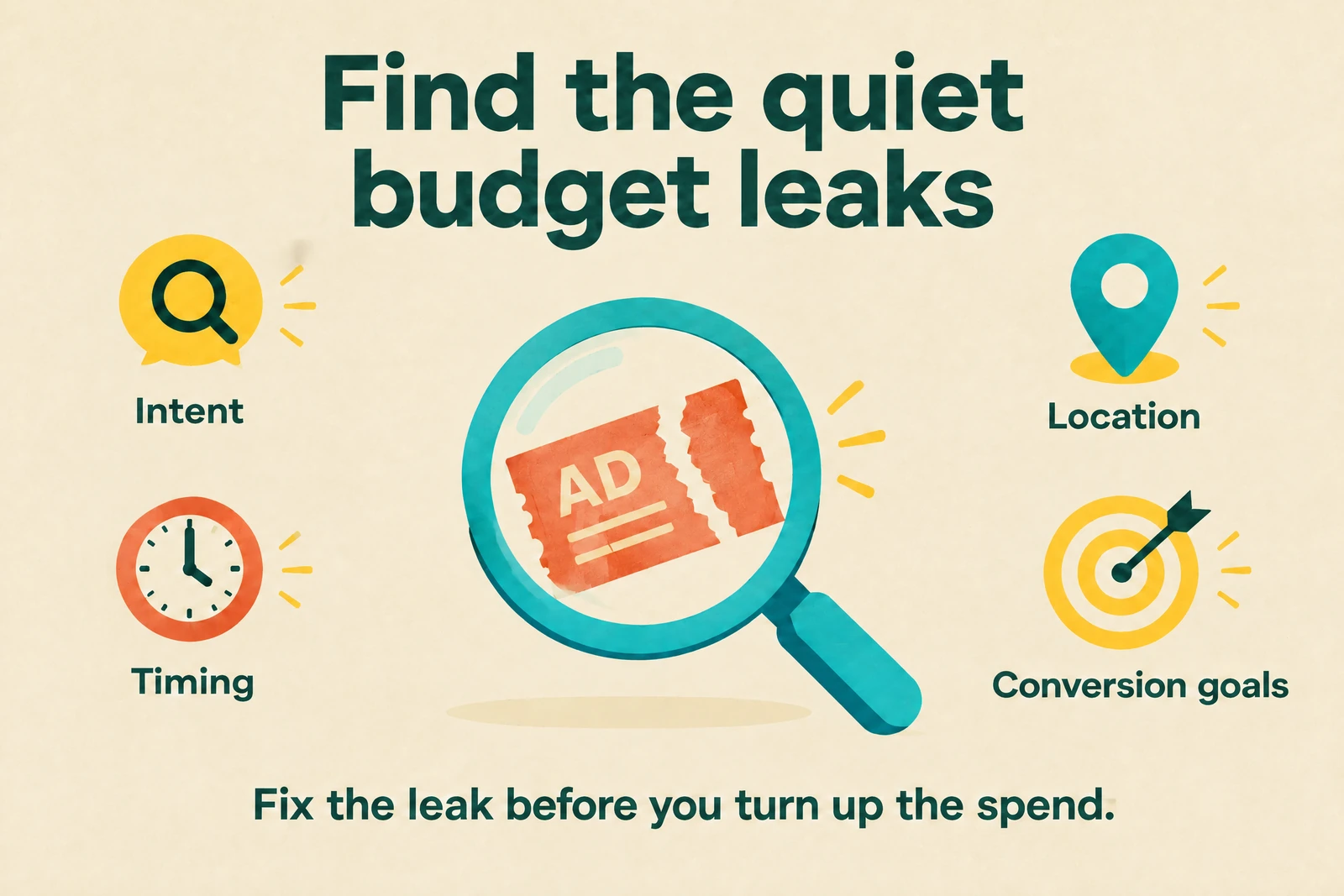
4. Fix the account settings quietly wasting your budget
Audit intent, not just match-type labels
Exact match does not guarantee literal spelling or word order.
Google can match close variants with the same meaning or intent, and broader match types include narrower-match searches plus additional related searches. 15
Phrase match can reach searches that include the meaning of your keyword; it is not just a literal phrase check.
Broad match can reach related searches beyond those covered by phrase and exact, so it needs trustworthy conversion signals and active quality review. 15
Review what people actually wanted, not just whether the keyword label says “exact.”
A query about software training, for example, may be a poor fit for an ad selling outsourced software implementation.

Use Search terms and Search terms insights together, remembering that privacy filtering and grouping limit what you can see.
The report's search-term match label can also differ from the selected keyword match type. 3
Broad match is not automatically waste, and exact match is not automatically safe.
Judge the resulting qualified leads and customer economics, alongside the controls and conversion signals you have in place.
If your measurement is shaky and the budget is tight, start with a bounded phrase-and-exact Search test while fixing the feedback loop.
Expand deliberately; do not switch to broader reach just because yesterday's lead counter looked quiet.
Build negatives around genuine exclusions
Negative keywords do not inherit positive keywords' close-variant expansion.
Their broad, phrase, and exact rules differ, so synonyms and singular/plural forms may need separate exclusions. 16
If you sell commercial equipment rather than employment services, “jobs” and “careers” might represent irrelevant intent.
Check the actual queries before adding them, and confirm that the negative's scope will not block useful searches.
Maintain separate lists for universal exclusions and campaign-specific exclusions.
A term such as “used” could be irrelevant for a new-equipment campaign but valuable for a refurbished-equipment offer.
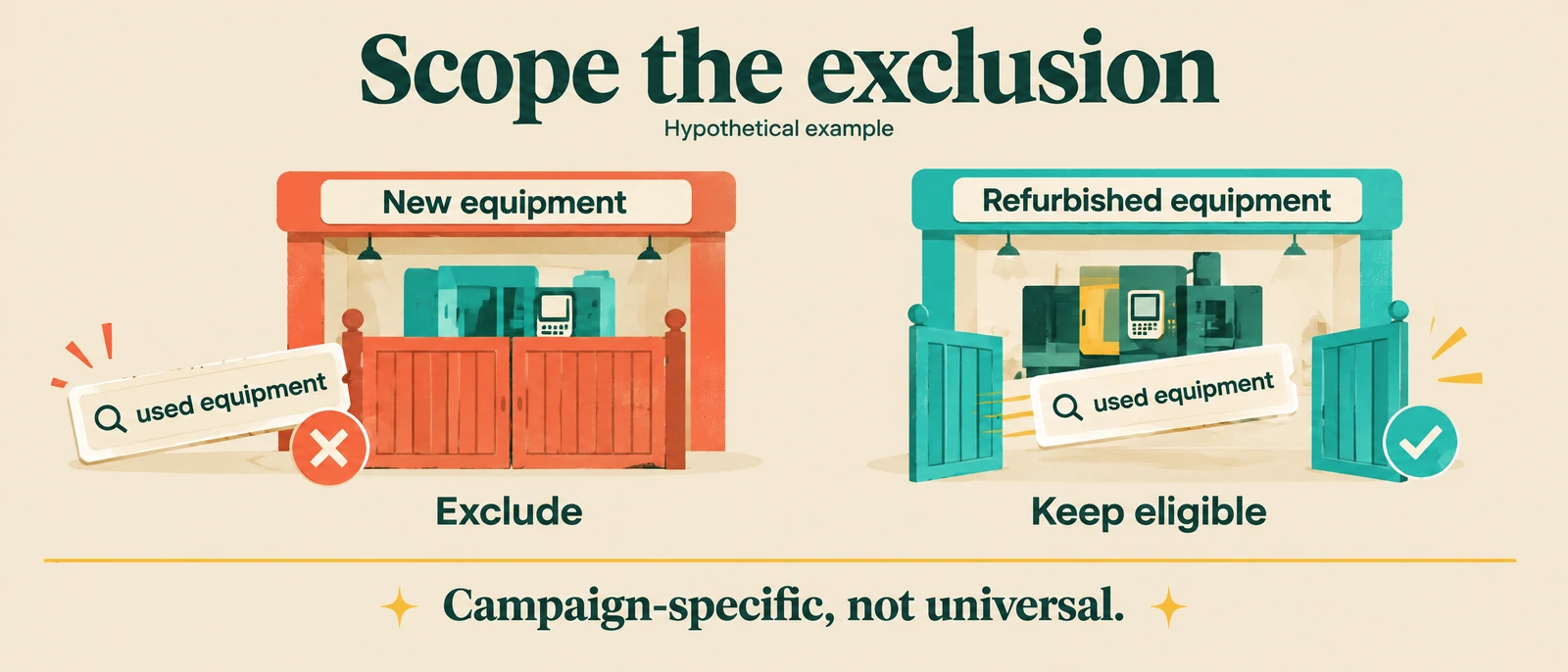
Keep Search negatives conceptually separate from Display or Video content exclusions.
Record why each meaningful exclusion exists so the next person does not remove it—or copy it everywhere—without context.
Give each campaign a business purpose
Write a one-sentence reason for each Search, Display, and Performance Max campaign.
“It has always been there” is not a useful reason.
PMax can serve across Search, Display, YouTube, Discover, Gmail, and Maps, and Google positions it as complementary to keyword-based Search.
That does not create a universal rule to consolidate everything or split every network into separate campaigns. 4
Separate campaigns when goals, budgets, brand protection, controls, reporting, or ownership need to differ.
Consolidate when shared data and a common objective make the structure more useful.
For a clean Search-versus-Display test, keep their spend and outcomes distinguishable instead of mixing them into one headline result.
Otherwise, a cheap Display enquiry can hide an expensive Search customer—or the other way around.
For example, a local service campaign and a national software-demo campaign may need different locations and qualification rules.
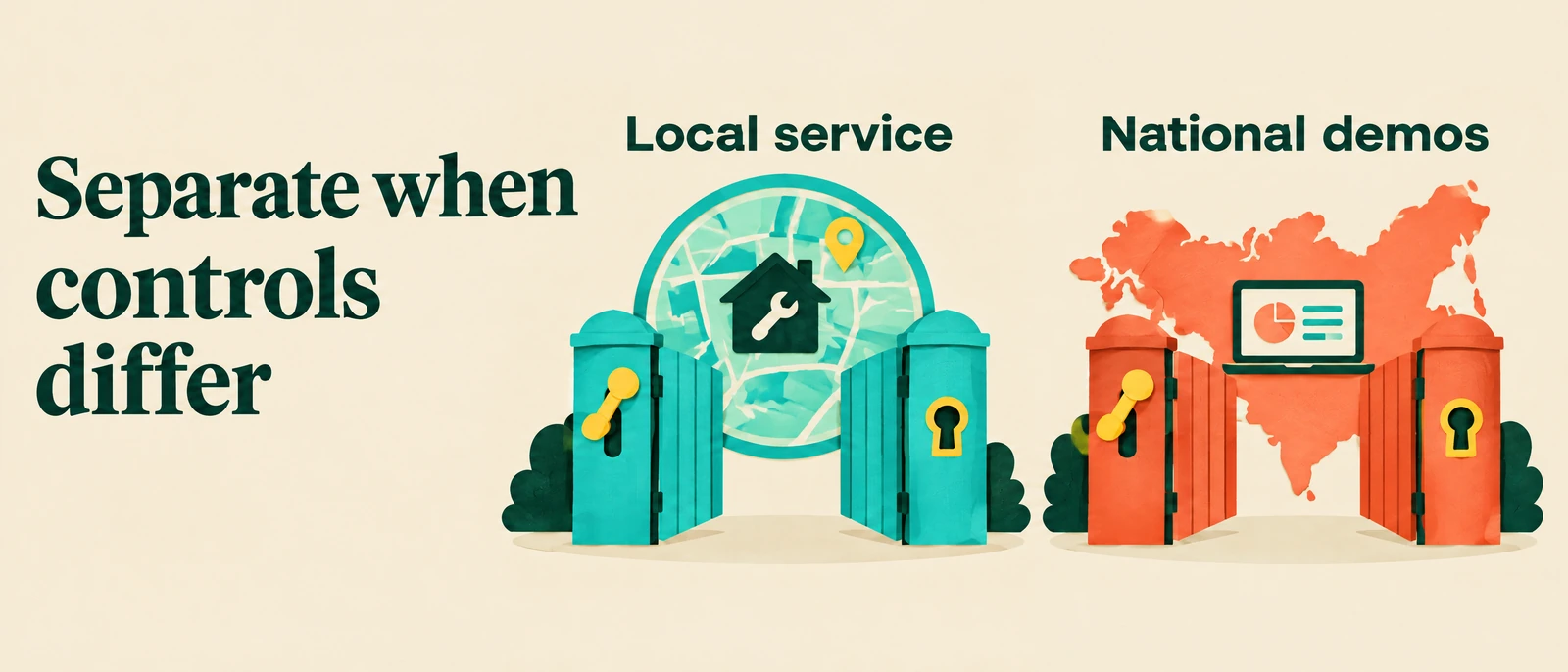
Do not merge them merely to make the account look tidy.
Match geography and hours to the sale
Google's Presence or Interest option includes people likely to be in your target area and people who show interest in it. Presence limits targeting to people likely to be located or regularly located there, using signals that are not perfectly accurate. 17
A business serving buildings in one city may favor Presence, while a relocation service could legitimately need interest from elsewhere.
Choose from your service model, then check matched-location data against qualified leads and actual serviceability.
Scheduling deserves the same care.
Compare ad hours with sales response coverage, lead quality, and eventual downstream results—not just the hour when a sale is recorded.
If weekend enquiries wait until Monday, test better response operations or a schedule change.
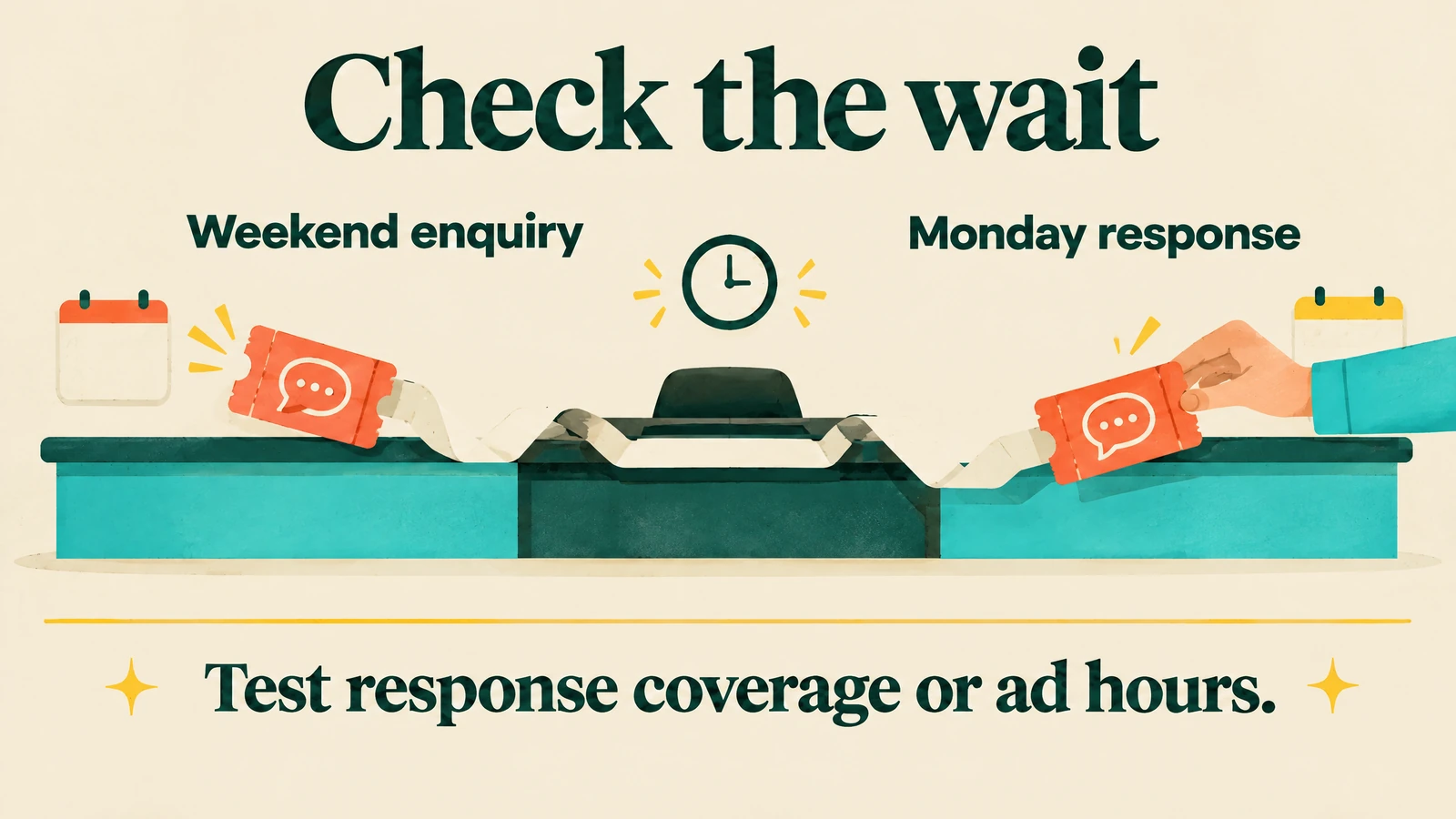
Do not assume weekend demand is worthless because those leads close later.
Change budget after checking the foundation
Before increasing spend, verify tracking, primary goals, imported stage quality, and cohort maturity.
A bidding system optimizing duplicated form fills cannot fix your measurement design.
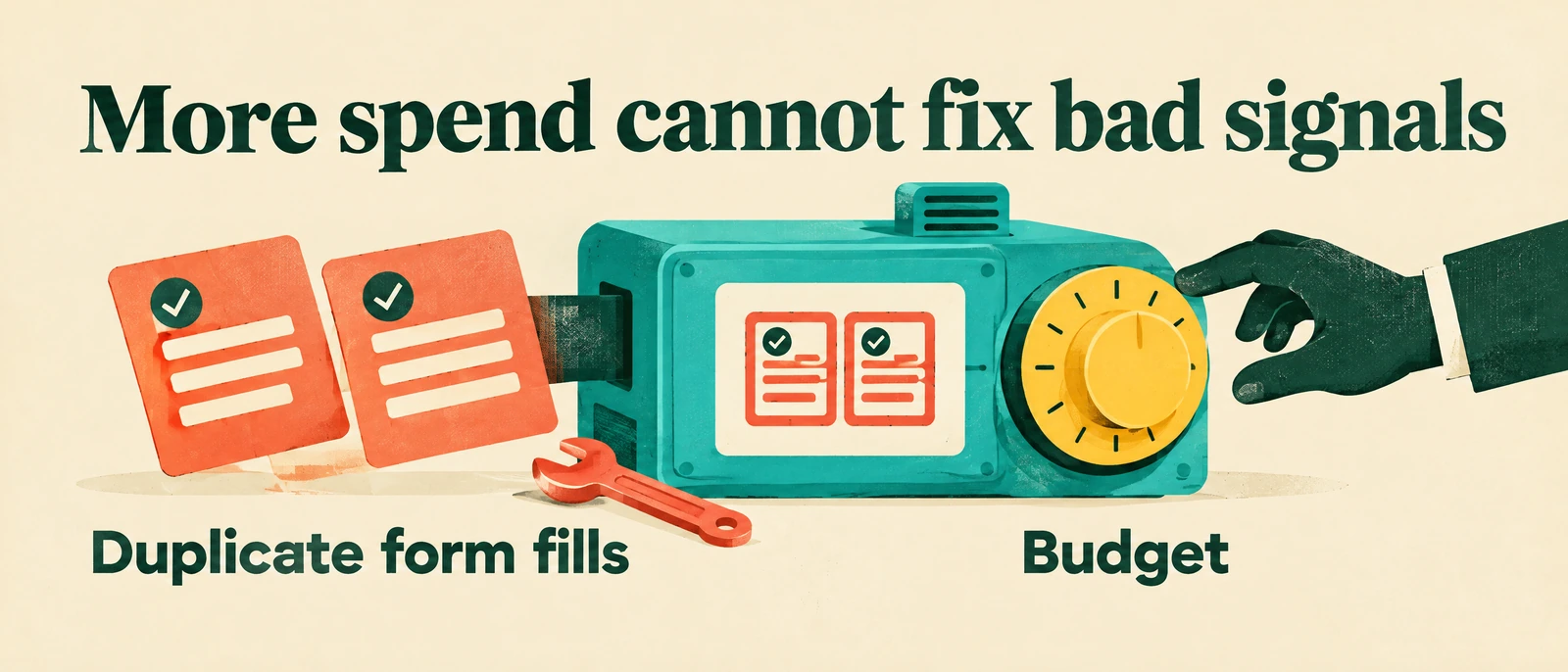
Make one material change at a time where practical and annotate it.
Keep enough budget to learn, but use your own acquisition limits rather than a universal budget percentage or campaign count.
Give results time to reflect the relevant conversion lag.
A quieter lead dashboard can be a good outcome if qualified opportunities and contribution improve.
5. Build landing pages that qualify and convert buyers
Deliver the promise that earned the click
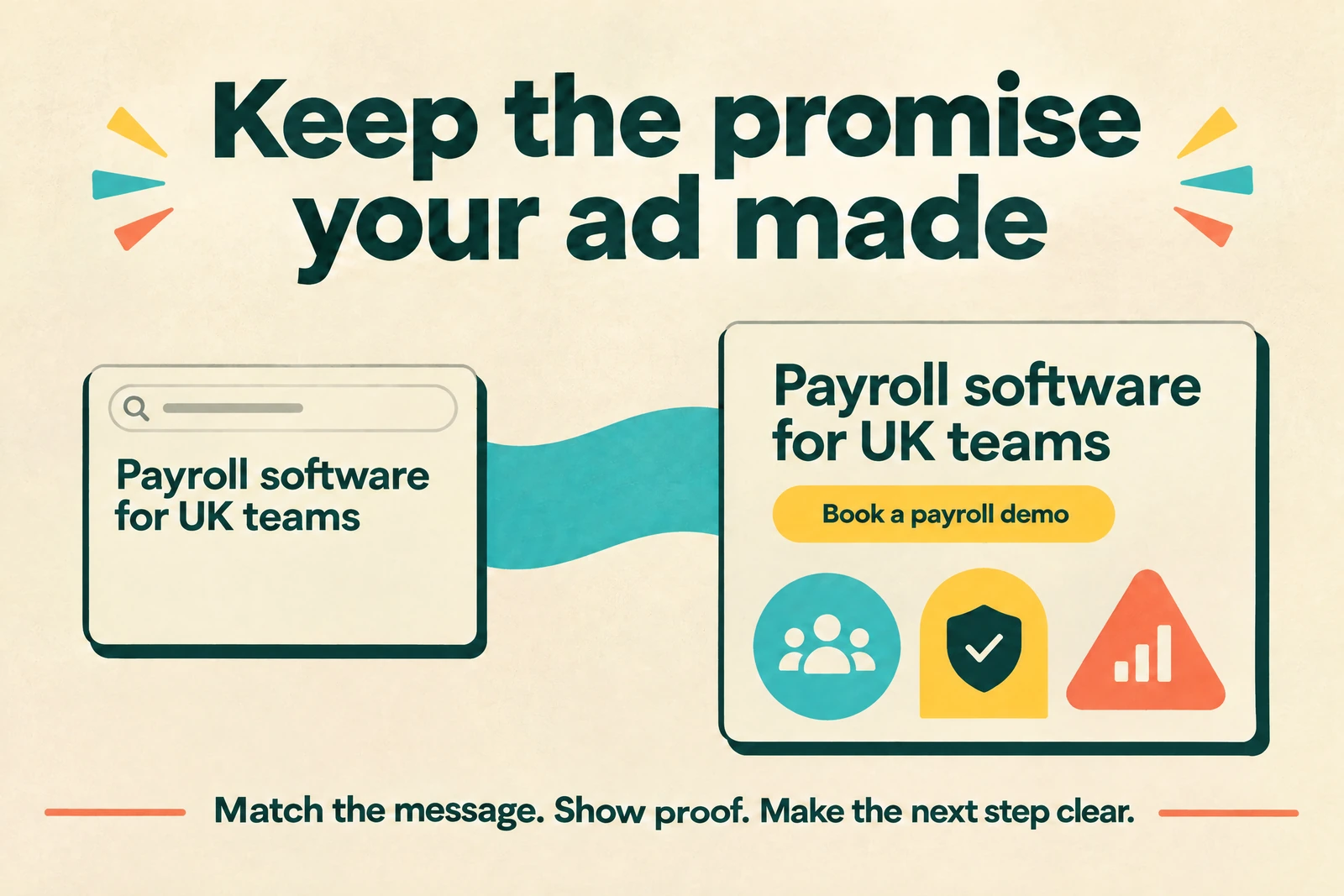
Google recommends matching the landing page to the ad and keywords, making the promised offer findable, and aligning the call to action.
Clear mobile navigation, useful original content, speed, and contactability also matter. 18
Build a message-match outline for each major theme: audience, promise, objection, proof, CTA, and the page section that answers it.
Tightly themed traffic should not land on a generic page that makes visitors hunt for the relevant service.
Picture a finance manager searching for payroll software between two open spreadsheets and a pile of starter forms.
If your ad says “Payroll software for UK teams,” the landing page should repeat that promise—not open with “Welcome to our innovative platform.”
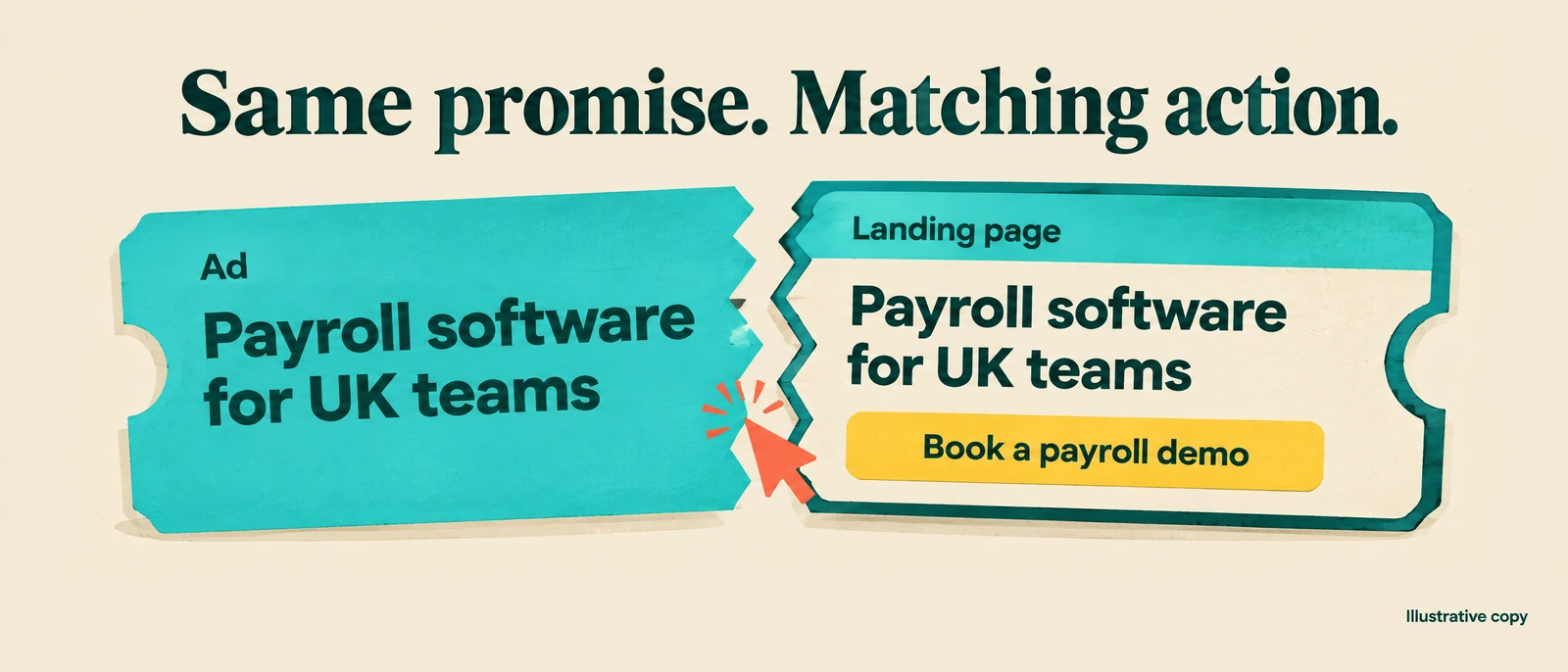
A matching CTA is “Book a payroll demo,” as shown in the infographic.
Supporting copy could say “See how employee changes reach your payroll run without retyping them into a second spreadsheet”—but only if the product actually does that.
Use eligibility copy to qualify the visitor: “Tell us your team size and payroll setup so we can confirm fit.”
This is illustrative copy; replace it with your real audience, capabilities, and qualification rules.
Answer the objection before asking for details
Put practical answers near the decision point:
- How is pricing determined?
- What commitment is required?
- What does implementation involve?
- Who is eligible?
- What is the timeline?
- How does cancellation work?
- How is customer information handled?
You do not need a giant FAQ if three specific answers remove the main hesitation.

If accurate for your process, copy might say: “After you submit, we'll confirm coverage and arrange a site assessment before preparing a quote.”
That tells a buyer what happens next without inventing a price, discount, or response guarantee.
For a software-demo offer, consider: “Bring your current workflow and main bottleneck; we'll use the session to assess fit.”
Only promise that experience if your sales team actually delivers it.
Use authentic proof:
- Permissioned customer quotes
- Verifiable numbers with a source and date
- Real certifications
- Review links
- Specific process detail
If you cannot verify the claim, leave it out.
Reduce friction without inviting every lead
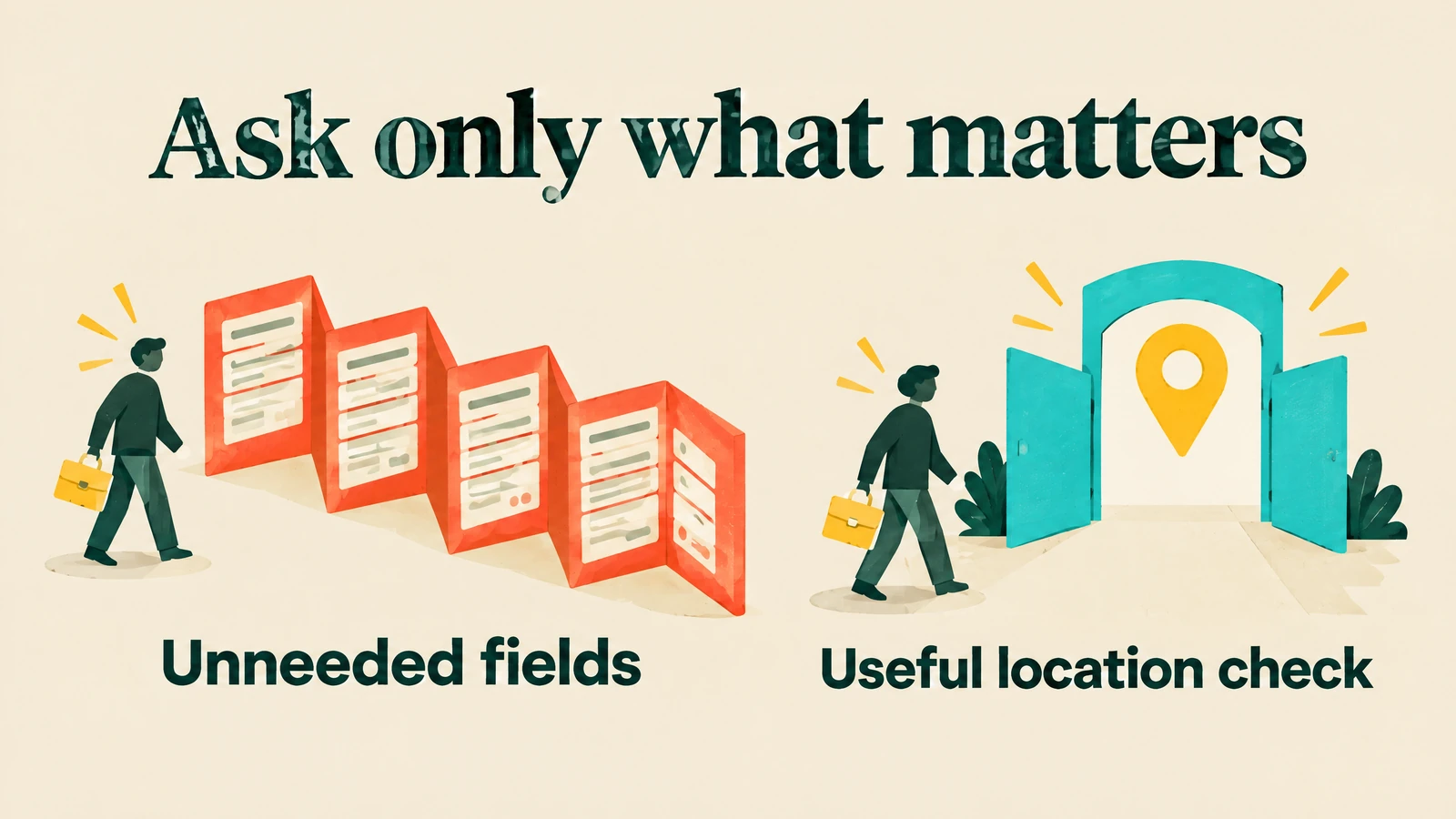
Give the page one clear primary CTA and ask only for fields needed to respond or qualify.
A useful location field may prevent an unserviceable enquiry; an unexplained ten-field form may simply exhaust a serious buyer.
Make phone or email contact easy where appropriate, and explain the next step on the confirmation screen.
Set a response expectation your team can actually meet.
On mobile, check readable controls, stable layouts, and forms that work without obstructive pop-ups.
Google's good Core Web Vitals targets are LCP within 2.5 seconds, INP at 200 milliseconds or less, and CLS at 0.1 or less, measured at the 75th percentile and separated by mobile and desktop. 19
Use field data to assess real experience and lab tools to diagnose problems.
Those thresholds are experience targets, not promises of higher conversion rates or revenue. 19
Test qualified outcomes, not form volume alone
Track landing views and CTA engagement through completed forms or calls, accepted leads, qualified leads, opportunities, sales, and realized revenue.
Add contribution margin when you have reliable variable-cost inputs.
Choose one material hypothesis, such as whether explicit service-area copy reduces unqualified enquiries without losing viable buyers.
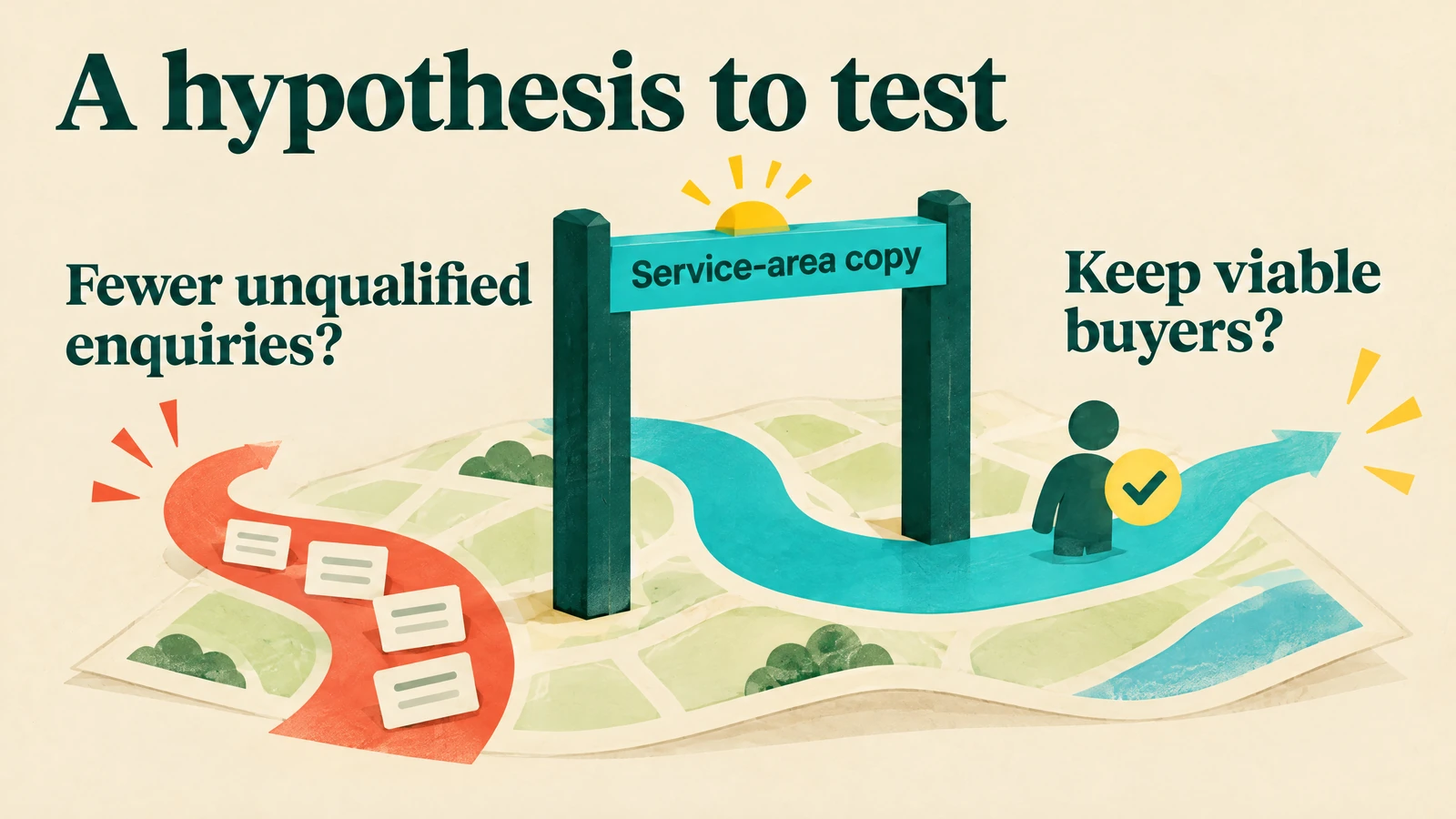
Predefine the primary business outcome, evidence requirement, and decision rule before launch.
Use a randomized split or preserved control where feasible, and watch sales acceptance, cancellations, and sales lag.
A before/after increase can reflect seasonality or a changed media mix, not the page itself.
A landing-page test measures the effect of a page change within its design.
It does not automatically establish that the advertising created incremental customers; Google's Conversion Lift uses treatment and control groups to address that separate causal question. 20
Your first-month sequence
Use the first month to build and test a reliable system.
This is a rollout plan, not a guarantee of sales within 30 days, especially when your sales cycle is longer.
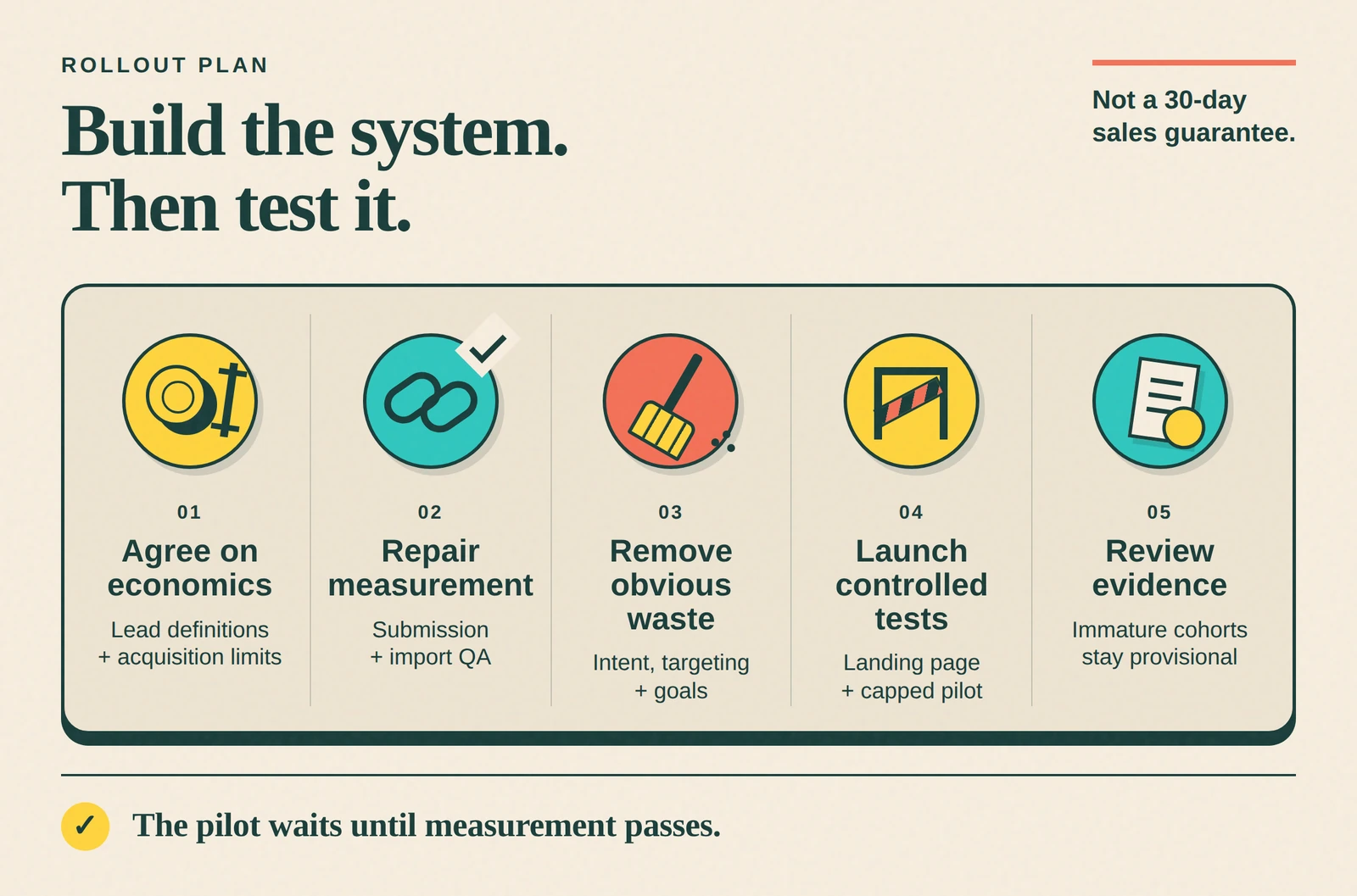
- Agree on the economics. Define raw, qualified, and converted leads with sales; agree on customer acquisition limits, variable costs, and cohort maturity with finance.
- Repair the measurement path. Capture identifiers, preserve Salesforce fields and touches, configure current Data Manager actions, and complete end-to-end submission and import QA.
- Remove obvious account waste. Review intent, negatives, campaign purpose, geography, response coverage, and goals; annotate changes rather than rebuilding everything at once.
- Launch controlled tests. Test one landing-page hypothesis and, if measurement passes, a capped Microsoft pilot with documented inventory and stop rules.
- Review evidence, not just activity. Inspect import errors, sales acceptance, and available downstream outcomes; label immature cohorts provisional and schedule the later review their sales lag requires.
Make your next budget decision about buyers
You can cut CPL and still waste more money.
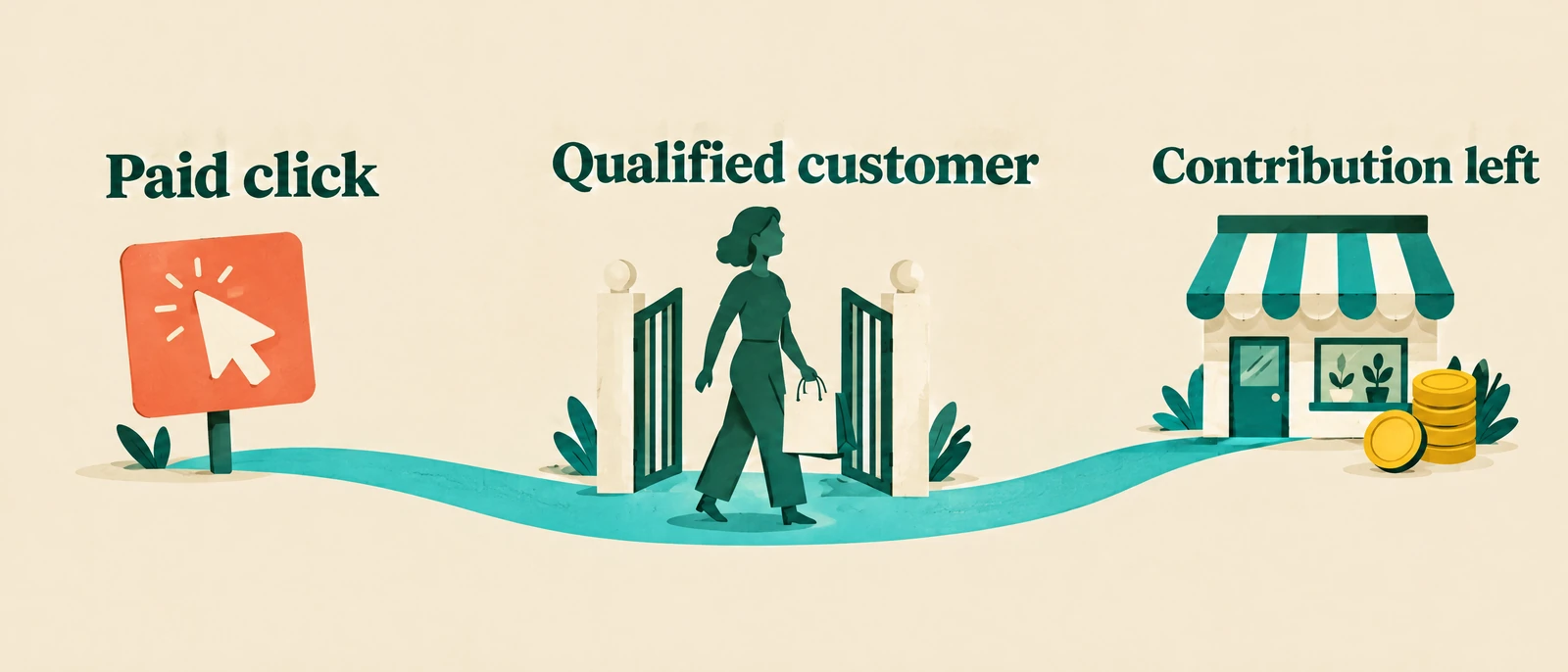
The better goal is a working path from paid click to qualified customer, with enough contribution left to support the business.
Request an AdCaffeine proposal and ask for a review of your Google Ads-to-Salesforce measurement, mature customer acquisition costs, and highest-priority landing-page gaps.
Share your offer, service geography, monthly ad spend, and typical sales cycle so the discussion starts with your economics—not a promise of cheaper leads.
References
- Google Click Identifier (GCLID): Definition
- About ValueTrack parameters
- About the search terms report
- About Performance Max campaigns
- Things to Know About Leads
- Legacy Salesforce integration ended; Data Manager is current
- Enhanced conversions for leads is the recommended upgrade
- Set up offline conversion imports from Salesforce
- About qualified leads and converted leads
- About primary and secondary conversion actions
- Google Ads Import - Microsoft Advertising API
- FAQs for new advertisers - Microsoft Advertising
- Universal Event Tracking - Microsoft Advertising API
- Conversions API - Microsoft Advertising API
- About keyword matching options
- About negative keywords
- About advanced location options
- Optimize your ads and landing pages
- Web Vitals
- About Conversion Lift
- Microsoft Advertising and Google Ads feature comparison (July 2024)
- CloudAmp